🤖Have you ever tried Chat.M5Stack.com before asking??😎
  • UiFlow 2.0 discuss(how-to, bug, feature request or sometings)

    Pinned
    193
    3 Votes
    193 Posts
    531k Views
    R
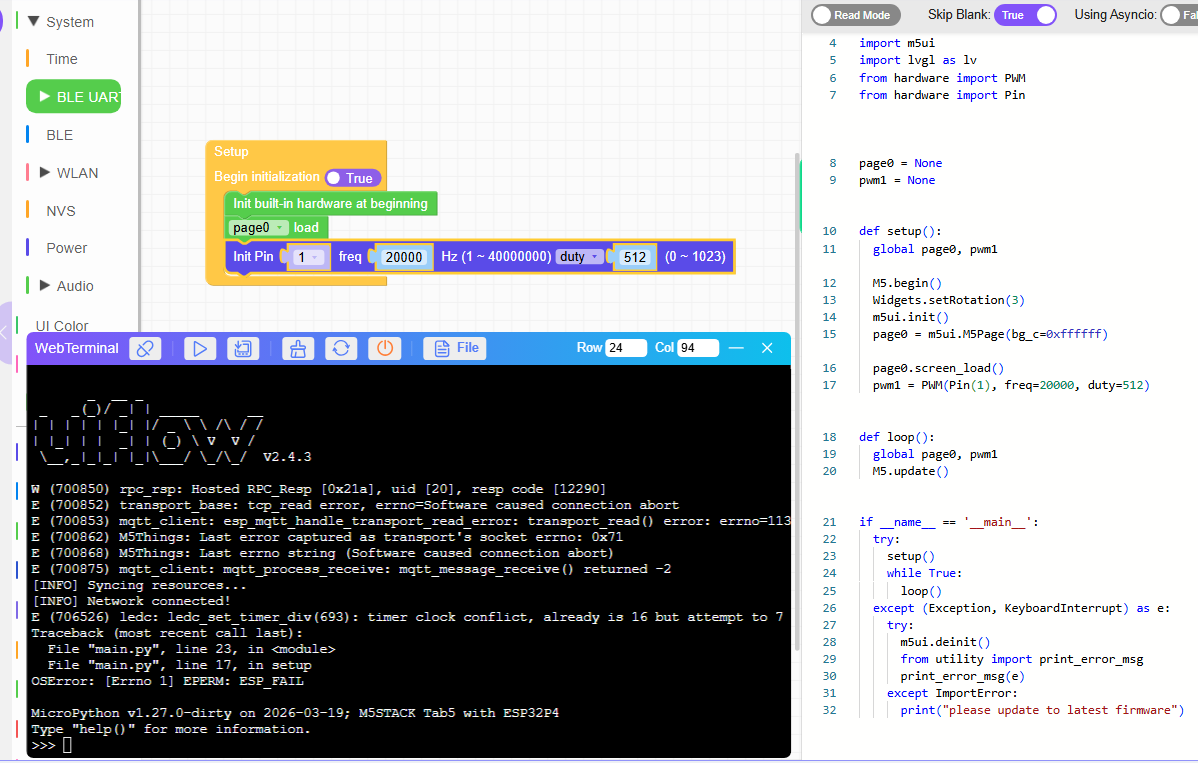
    @RBOUMAN58 Got the problem solved, burned the 2.4.4 firmware using M5Burner, problems gone... programs are working again
  • 0 Votes
    2 Posts
    421 Views
    C
    This was Copilot's answer. Conclusion: Enabling I2C in UIFlow2 will cause the LED matrix of the Atom Matrix to stop working because it is internally disabled. This is due to a specification (or rather a limitation) of UIFlow2. The LED matrix (5×5 WS2812C) of the Atom Matrix is initialized by the DisplayEnable flag of M5.begin(). In the official documentation, it is written as follows: M5.begin(true, false, true) SerialEnable = true I2CEnable = false DisplayEnable = true In UIFlow2, when using an I2C device, I2CEnable is internally set to true, and at that time, there is a behavior where DisplayEnable is automatically turned off. This is because the internal initialization of the M5Unified series is structured in such a way that it cannot enable I2C and the LED matrix at the same time. I want UIFlow2 to be fixed so that I can use Matrix LED and I2C at the same time.
  • EZData 2.0 is missing from UiFlow 2.3.5

    5
    4 Votes
    5 Posts
    2k Views
    T
    any news?
  • 1-Wire

    1
    0 Votes
    1 Posts
    147 Views
    No one has replied
  • StamPLC Run Issue

    4
    0 Votes
    4 Posts
    520 Views
    felmueF
    Hi guys it looks like another unfortunate regression. If I burn UIFlow2 firmware 2.4.2 onto my M5StamPLC I can control the relay and LED just fine. Unfortunately the UIFlow2 firmware source code in github repository uiflow-micropython (at the time of writing this) is still on version 2.4.2. So it's impossible to tell what has changed between 2.4.2 and 2.4.3 causing this issue. Thanks Felix
  • Ultrasonic I2C doesn't work with UIFlow2

    3
    1
    0 Votes
    3 Posts
    1k Views
    E
    Hello everyone. I have a problem too, with UIflow 2.4.3 and Ultrasonic I2C + Atom Lite. [image: 1774900315486-8b2ea31e-d956-4c05-8862-80953514ec9b-image.png] I think there are lib problem, i m going to test with my core2.
  • is it a bug in PWM?

    1
    1
    0 Votes
    1 Posts
    214 Views
    No one has replied
  • ValueError: buffer to small when using uhf-rfid with core2

    1
    1
    0 Votes
    1 Posts
    174 Views
    No one has replied
  • blue spalshing screen after burn

    2
    0 Votes
    2 Posts
    337 Views
    bschwahnB
    Hi Alex, If I am understanding your question correctly you should be able to find the Demo within the M5Burner application? [image: 1773598305793-b15067aa-60f4-498d-8dca-36ac7975925a-image.png] Hope this is what you are looking for? Thanks-Brian
  • Unexpected results when using intensity slider for LED vontrol

    3
    1
    0 Votes
    3 Posts
    317 Views
    L
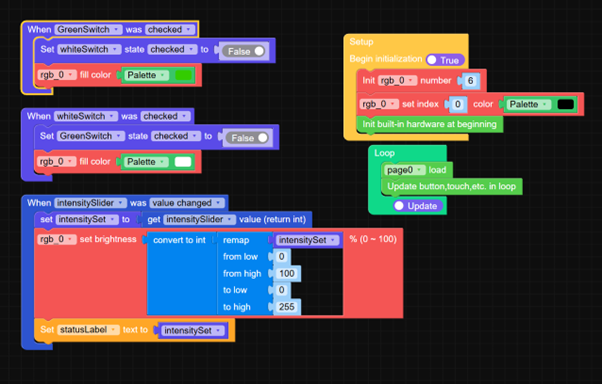
    @robski If I set them manually in the GreenSwitch and whiteSwitch it works fine
  • How to create an infinite loop with a manual exit

    5
    1
    0 Votes
    5 Posts
    447 Views
    J
    At the end I used switches and it works. [image: 1773171278412-picture1.png]
  • RGB unit issues

    2
    4
    0 Votes
    2 Posts
    292 Views
    felmueF
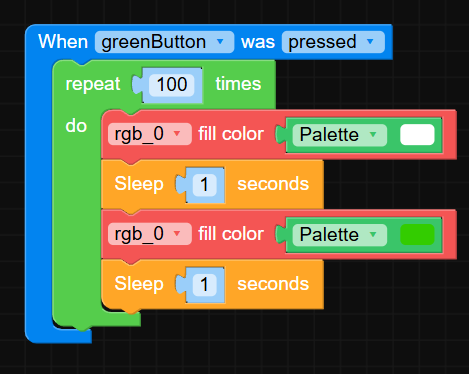
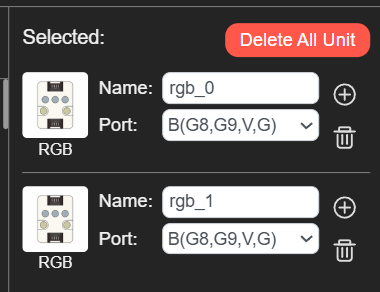
    Hello @JohnSal I think you only need to add one RGB unit but with number set to 6 instead of 3. Thanks Felix
  • UIFlow 2.0 + Cardputer ADV, where is the GPIO 14pin header support?

    2
    0 Votes
    2 Posts
    358 Views
    felmueF
    Hello @hotellonely yes, it looks like the drop-down box needs fixing. In the mean time you can use all GPOs on the 14 pin header via some custom code blocks. I created an example in UIFlow2 Project Zone called M5CardputerAdv_ExtPin_Test_UIFlow2.4.2 Thanks Felix

  • 0 Votes
    1 Posts
    162 Views
    No one has replied
  • IR Unit with Core S3

    3
    1
    0 Votes
    3 Posts
    719 Views
    felmueF
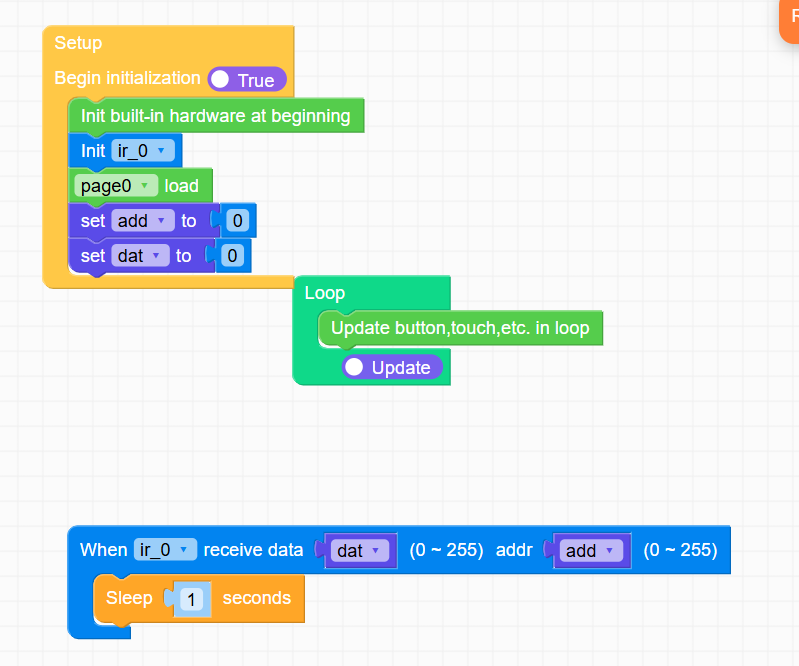
    Hi guys I can confirm receiving IR from Unit IR is broken for M5Core2 as well. Thanks Felix
  • cardputer use built in speaker to play wav file error

    6
    1
    0 Votes
    6 Posts
    3k Views
    T
    @zhouyousong For anyone else who is curious about how to get around this problem, the playRaw() method of M5.Speaker is non-blocking, but requires you to provide the PCM data directly as a bytearray or similar, as well as the sample rate. If you look up the encoding of a .WAV file, it is fairly trivial to extract the sample rate (it's bytes 24:28 in the 44-byte header included at the start of any .Wav file). Getting the PCM data is then simply a case of reading the byte values from byte 44 onwards, until you reach the end of the file. Here's a basic sketch: fd = open('wavfile.wav', 'rb') # Open .wav file in read (bytes) mode header = fd.read(44) # Read .wav file header sample_rate = int.from_bytes(header[24:28], 'little') # Extract sample-rate ... # Can also extract other header information, such as bits per sample, number of channels, etc. buffer_time = 1 # 1s worth of audio data buf = bytearray(sample_rate*(bits_per_sample//8)*buffer_time) # Buffer large enough to contain 1s of audio # Loop fd.readinto(buf, sample_rate) # Read from file into buffer Speaker.playRaw(buf, sample_rate) # Non-blocking playback of audio data in buffer ... # and repeat for each additional second of audio in .wav file This is a useful link to understand the contents of .WAV file header. The only potentially tricky part in this is timing the file reads so they don't block the rest of your program for a long time. I found that reading 1 second of 8000 samples per second, 16-bit, mono audio from the SD card takes about 67ms for the M5 FIRE (v1.0). Using a smaller buffer (0.5s/0.25s of audio etc.) will mean correspondingly shorter read times, with the caveat that you will have to read more often. You can try the following code in the Block Designer: (note - it uses Timer 0 to time the periodic file reads, so if you are using Timers for other things, you will need to adjust accordingly). """ file NonBlockingSpeaker time 2026-02-24 author Tom Fahey email tomp.fahey@gmail.com license MIT """ from machine import Timer from M5 import Speaker import micropython """ file NonBlockingSpeaker time 2026-02-24 author Tom Fahey email tomp.fahey@gmail.com license MIT License """ class NonBlockingSpeaker: """ note: en: '' details: color: '#0fb1d2' link: https://github.com/m5stack image: '' category: Custom example: '' """ def __init__(self): """ label: en: '%1 init' """ self.tim = Timer(0) def __setup(self, wav_file): """ label: en: ' %1 setup, wav_file: %2' params: wav_file: name: wav_file """ self.fd = open(wav_file, 'rb') self.header = self.fd.read(44) self.file_size = int.from_bytes(self.header[0:4], 'little') self.fmt_type = int.from_bytes(self.header[20:22], 'little') self.channels = int.from_bytes(self.header[22:24], 'little') self.sample_rate = int.from_bytes(self.header[24:28], 'little') self.bits_per_sample = int.from_bytes(self.header[34:36], 'little') self.data_size = int.from_bytes(self.header[40:44], 'little') self.buffer = bytearray(self.sample_rate*(self.bits_per_sample//8)) def playWav(self, wav_file): """ label: en: ' %1 playWav, wav_file: %2' params: wav_file: name: wav_file """ self.__setup(wav_file) self.counter = self.data_size//len(self.buffer) self.fd.seek(44) self.fd.readinto(self.buffer, len(self.buffer)) self.tim.init(mode=Timer.ONE_SHOT, period=1000, callback=self.__timer_cb) Speaker.playRaw(self.buffer, self.sample_rate) def __continue_playback(self, x): """ label: en: ' %1 continue_playback, _: %2' params: x: name: x """ self.fd.readinto(self.buffer, len(self.buffer)) Speaker.playRaw(self.buffer, self.sample_rate) def __timer_cb(self, _): """ label: en: 'method %1 param1 param2 ' """ if self.counter > 0: self.counter -= 1 self.tim.init(mode=Timer.ONE_SHOT, period=1000, callback=self.__timer_cb) micropython.schedule(self.__continue_playback, 1)
  • Is there a version of UIFlow2.0 StickC Plus2 that works with ulap?

    1
    0 Votes
    1 Posts
    194 Views
    No one has replied
  • 0 Votes
    3 Posts
    500 Views
    M
    @felmue Thanks again! It's now placed in my shopping basket :-)
  • Issue with m5dial and Unit 4Relay

    3
    1
    0 Votes
    3 Posts
    377 Views
    P
    @robski Yes it happens only when relay is called to be on not in standby Unit 4relay is connected to Port A with his supply(5V), but I using +24vdc for supplied m5dial
  • How to initialize Speaker on Dial_v1.1

    1
    0 Votes
    1 Posts
    235 Views
    No one has replied