Stopwatch - Core2- Need help
-
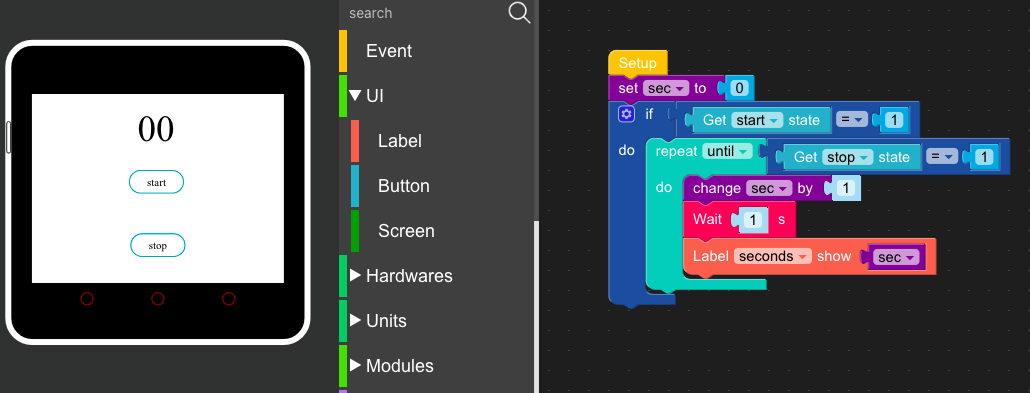
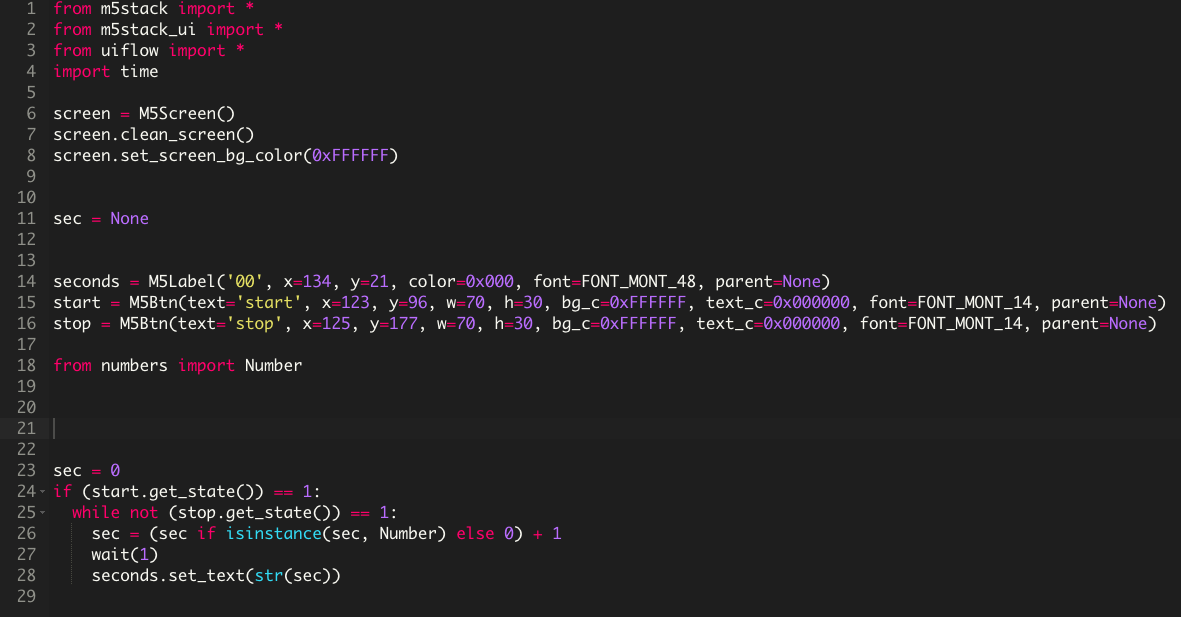
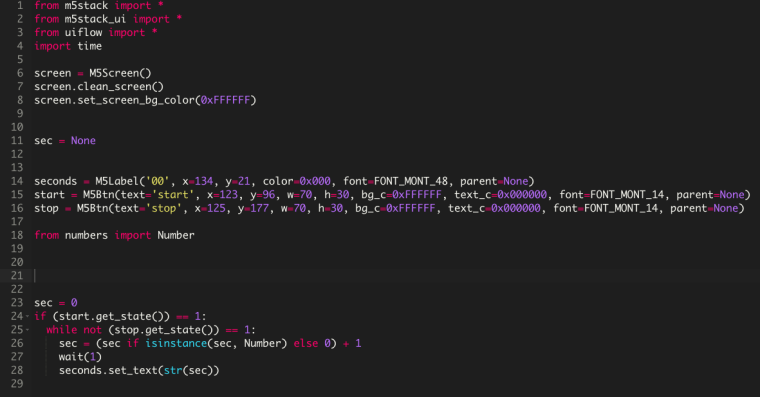
Hello, I am trying to create a stopwatch but cannot figure out why it doesn't work. Here are some pictures:

-
Hello @morrischen
you are very close. Right now your code only executes once after loading and running it onto your M5Core2. Try putting all your existing code into a
loopstatement. (You'll find theloopstatement in theEventsection.)Cheers
Felix -
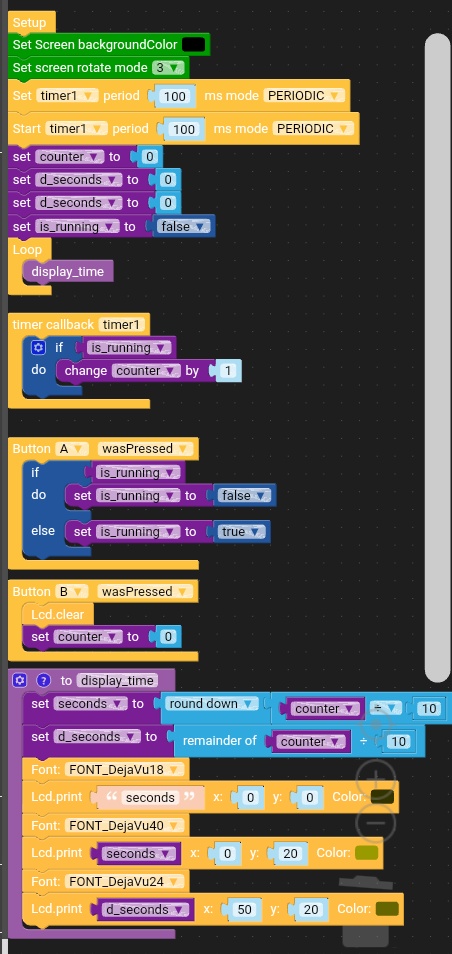
Hi. I wrote something like this. I set the timer to increment the counter variable every 0.1s. Button A pauses / resumes timer operation. Button B resets the counter (the counter variable). The current counter value is displayed in the main loop of the program, scaled to seconds and hundredths of a second. One value of the counter variable in my case corresponds to 0.1s. You may need to modify the display_time function, because in my case (firmware 1.4.5) the lcd print function displays the result in the previous place overwriting the previous result. In later firmware the displayed result may overlap the previous one.
This is also an incomplete example, so the displayed time may overwrite hundredths of a second after exceeding 99 seconds
-
@felmue Thanks, that fixed it

Hello! It looks like you're interested in this conversation, but you don't have an account yet.
Getting fed up of having to scroll through the same posts each visit? When you register for an account, you'll always come back to exactly where you were before, and choose to be notified of new replies (either via email, or push notification). You'll also be able to save bookmarks and upvote posts to show your appreciation to other community members.
With your input, this post could be even better 💗
Register Login