I2C Bus Error (19) Internet Mode M5GO
-
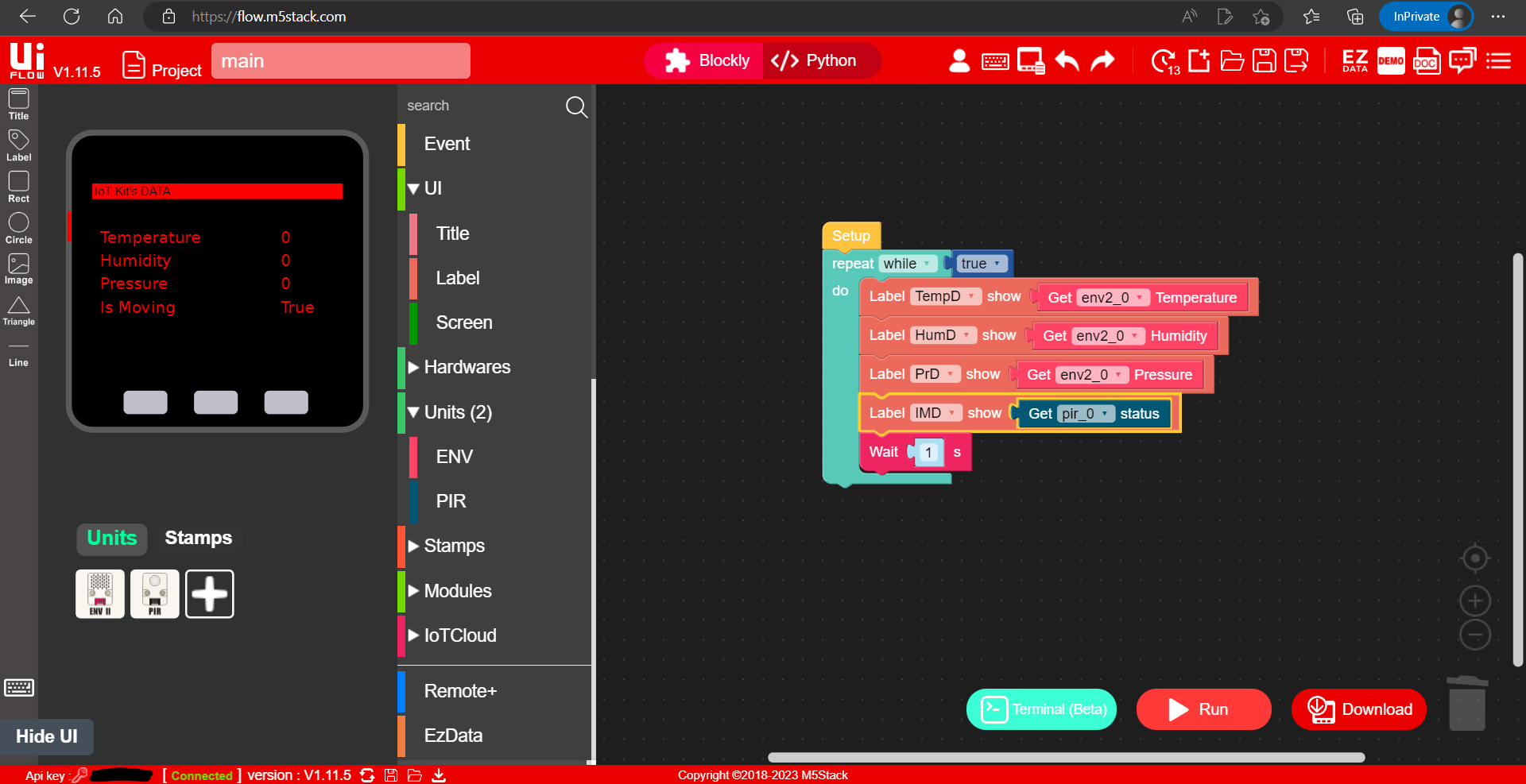
I was following this instruction https://www.youtube.com/watch?v=LPX9oFePv70, and at 11:08, I stopped because of the error. In the video, at this moment, the app is starting to work and get data from sensors. I Plugged in the Env2 Sensor to port A and Motion Sensor into port B. There is the screenshot of the code I made:
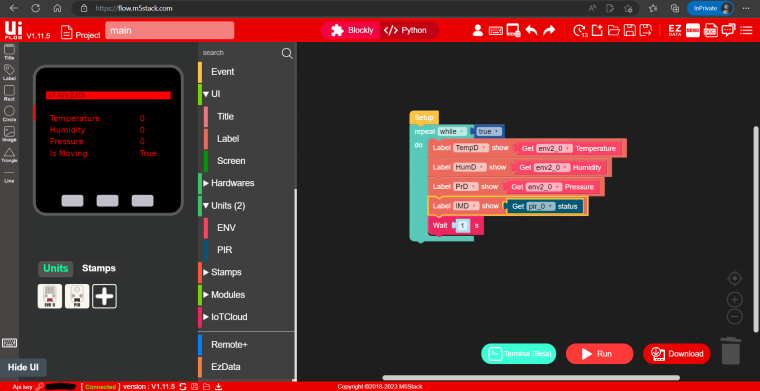
My frame version is UIFlow 1.11.5 (the latest), and I had no issues installing the frame to M5GO.
So there you are the most important things:
Hardware: M5GO
Sensors: Env2 and Motion
Frame: 1.11.5 UIFlow
Are frame and sensors installed and loaded correctly: yes
Are there any problems with sensors and hardware: no (I just got them yesterday)
Code: blocks
Instruction: https://www.youtube.com/watch?v=t17YLjfr1wE
Time stopped: 11:08
Error Code: I2C bus error (19)
Mode: Internet mode (so no cables)
Baud Rate: 1500000What can I do? Thanks!
-
Make sure the temperature sensor is connected to the RED grove port and that the cables are securely connected.
-
Yep, everything is connected properly
-
@nikita-ch I also tried removing the motion sensor - same problem. So the problem is in the frame or the sensor - I do not see any other possible places for the error

Hello! It looks like you're interested in this conversation, but you don't have an account yet.
Getting fed up of having to scroll through the same posts each visit? When you register for an account, you'll always come back to exactly where you were before, and choose to be notified of new replies (either via email, or push notification). You'll also be able to save bookmarks and upvote posts to show your appreciation to other community members.
With your input, this post could be even better 💗
Register Login