How to revert default coreS3 setting after burning UIFLOW?


-
Hi,
Now I am using coreS3 and burned following UIFLOW.

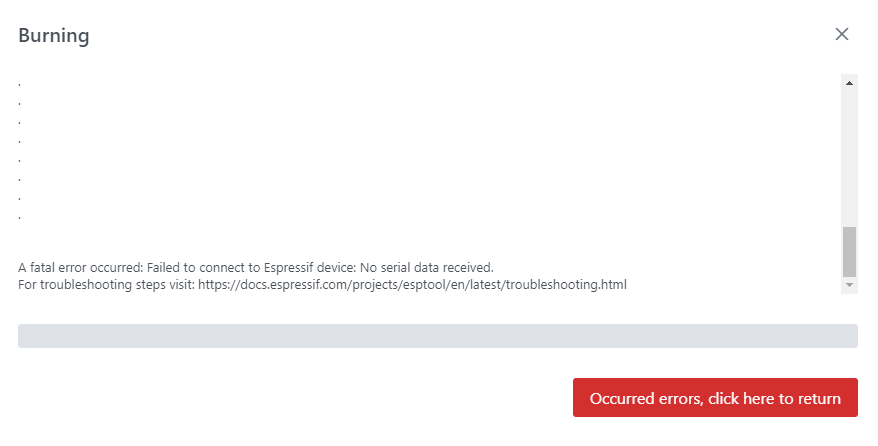
But after burning above, I cannot revert default coreS3 setting.
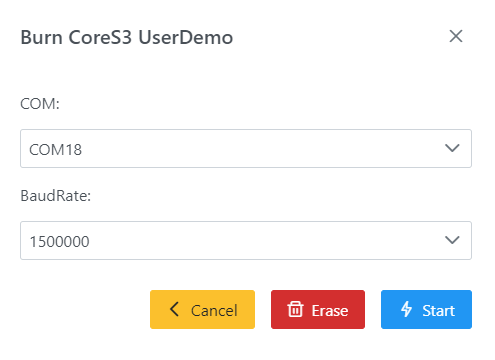
(I meant cannot burn follwoing coreS3 UserDemo)
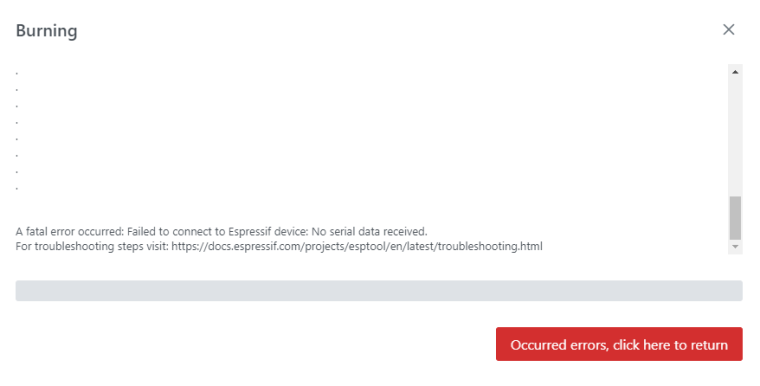
I guess coreS3 cannot achieve serial communication.
Is there any way to revert?
Thenk you.
-
(Normally) You switch it on, old the boot button, plug in a USB cable and release the boot button and after 5 seconds the green light on the bottom comes on, M5 burner will report that a device is detected and then you can ERASE and then burn.
-
Hi ajb2k3,
Thank you for your kind reply.
I can do it with following process as you said.- Plug in USB cable
- Hold Boot button (RST button) on coreS3 for over 5seconds
- LED turned to be green
- Enable to burn coreS3 UserDemo with M5Burner !!!
Thank you again.

Hello! It looks like you're interested in this conversation, but you don't have an account yet.
Getting fed up of having to scroll through the same posts each visit? When you register for an account, you'll always come back to exactly where you were before, and choose to be notified of new replies (either via email, or push notification). You'll also be able to save bookmarks and upvote posts to show your appreciation to other community members.
With your input, this post could be even better 💗
Register Login