Core2 and sprites - don't play well together?
-
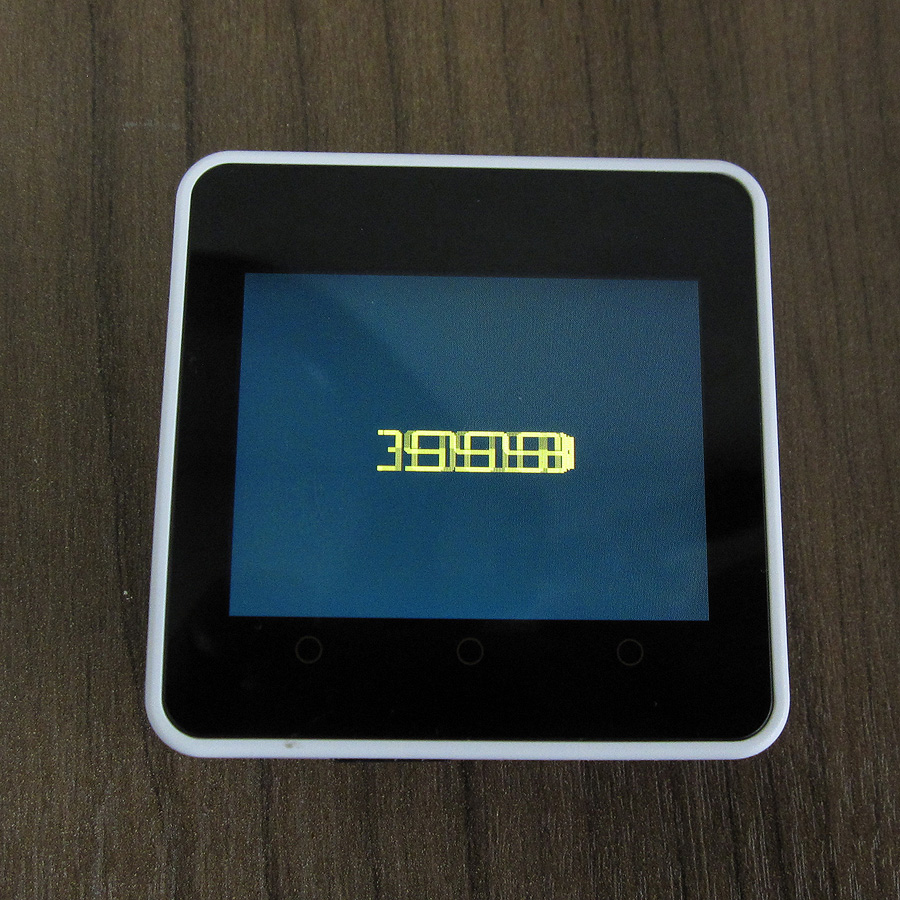
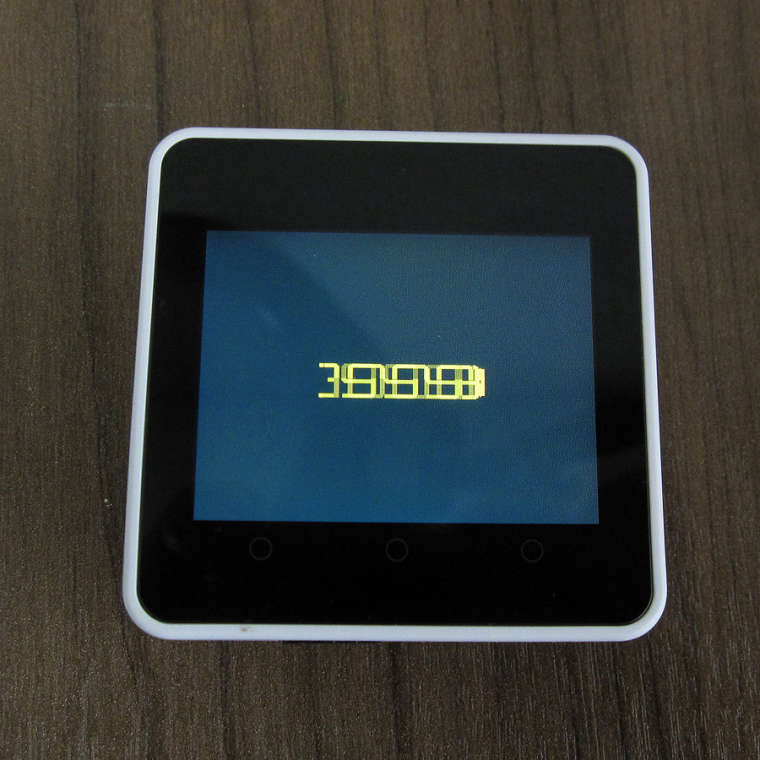
Can anyone tell me if the have sprites working correctly on their Core2 and if so, did you need to do something special to make them work. I don't think there is anything wrong with my code (see below) but the numbers don't overwrite them selves neatly a create quite a mess.
Code:
#include <M5Core2.h>
#include "Bunken20pt7b.h"#define color1 0x2144
TFT_eSprite spr = TFT_eSprite(&M5.Lcd);
int backlight = 2800;
void setup() {
M5.begin();
M5.Axp.SetLcdVoltage(backlight);
spr.createSprite(320,240);
spr.fillSprite(color1);
}
void loop() {
M5.update();
backlight = backlight + 1; if (backlight >= 3300) backlight = 0;
//M5.Axp.SetLcdVoltage(backlight);
spr.setTextDatum(4);
spr.setFreeFont(&Bunken20pt7b);
spr.setTextColor(TFT_ORANGE,color1);
spr.drawString(String(backlight),160,120);
spr.pushSprite(0,0);
delay(5);
}
-
@czm88 I use a fill rectangle in the correct size and background colour to clear a text area before each write.
Works a charm on my Core and Core2. -
@teastain Thanks, that worked like a charm!

Hello! It looks like you're interested in this conversation, but you don't have an account yet.
Getting fed up of having to scroll through the same posts each visit? When you register for an account, you'll always come back to exactly where you were before, and choose to be notified of new replies (either via email, or push notification). You'll also be able to save bookmarks and upvote posts to show your appreciation to other community members.
With your input, this post could be even better 💗
Register Login