T-Lite: how to keep it awake ?
-
Hello there,
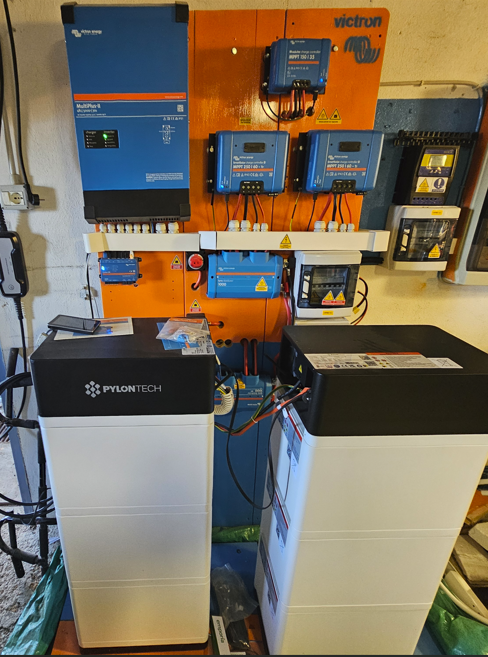
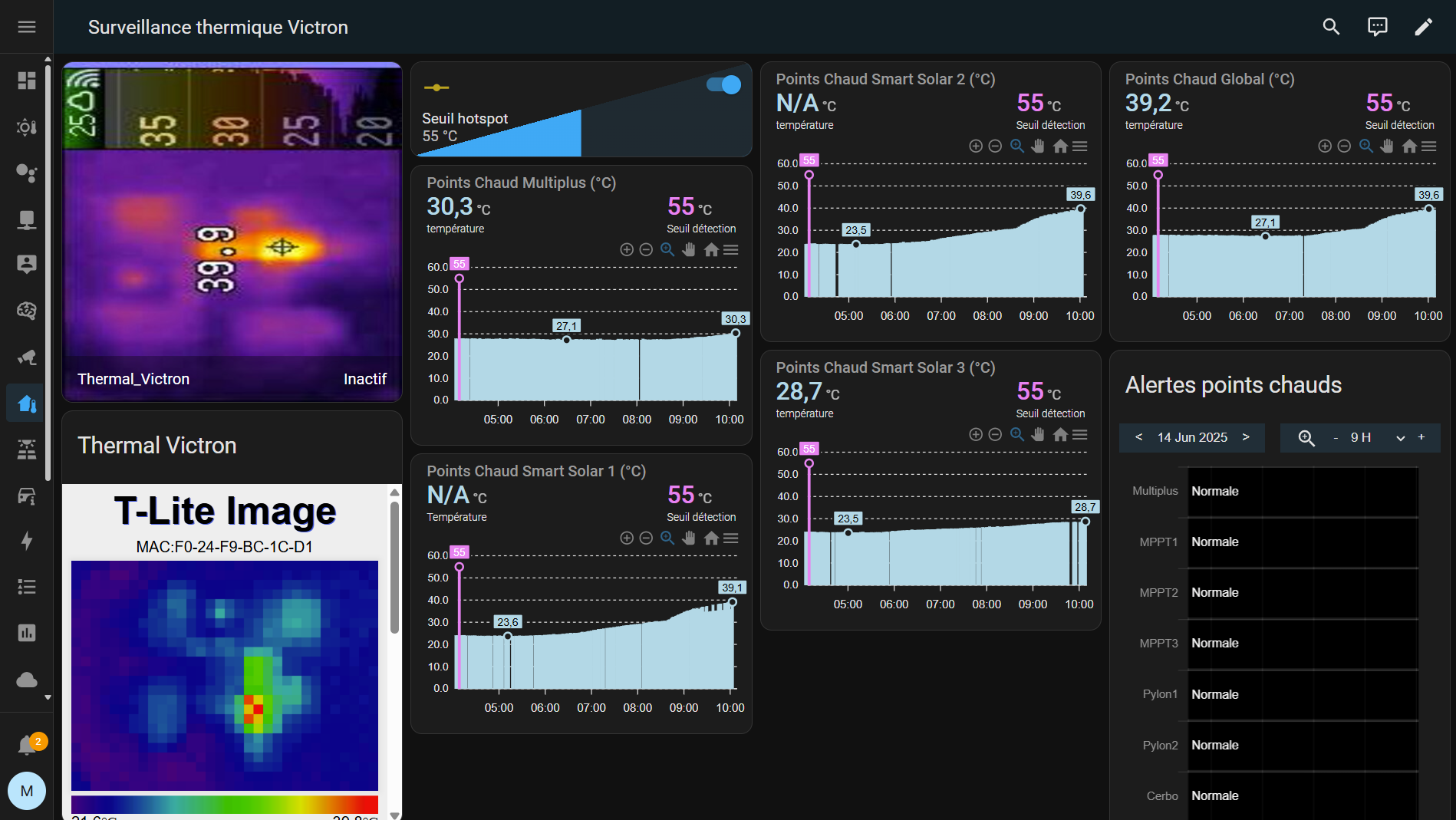
I am trying to use a m5stack T-Lite with Home Assistant to monitor my photovoltaïc system (Victron). The T-Lite is powered (usb c) permanently but keeps falling asleep despite attempts to keep it awake (see below). How can I make sure it won't go to sleep and become unavailable via wifi (http://192.168.1.xxx/json) ?- id: keep_t_lite_awake
alias: "Keep T-Lite awake"
mode: restart
trigger:- platform: time_pattern
seconds: "/20" # toutes les 20 s
action: - service: rest_command.t_lite_keepalive
- platform: time_pattern
- id: keep_t_lite_awake
-
Last attempt: I have just added
WiFi.setSleep(false);in the setup() of main.cpp (M5StickC-Plus-TLite-FW.git). Let's see if it stays online (awake)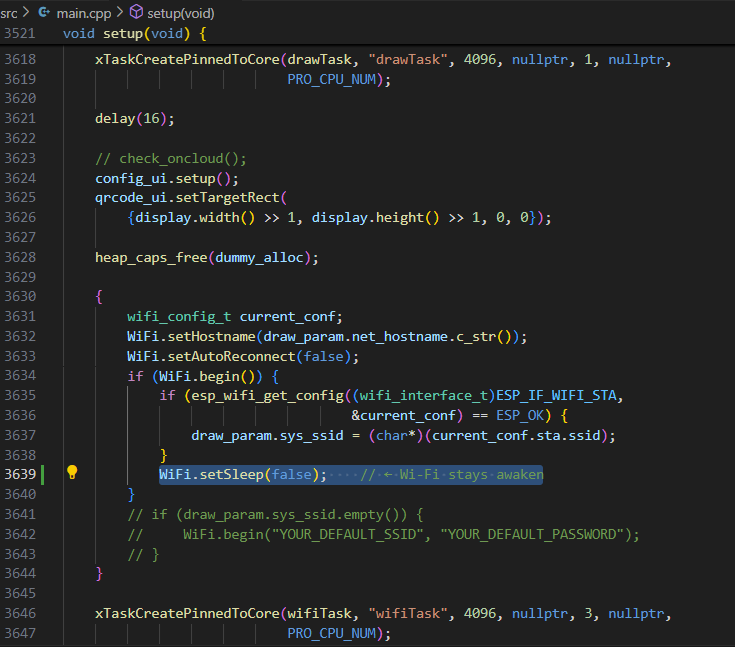
-
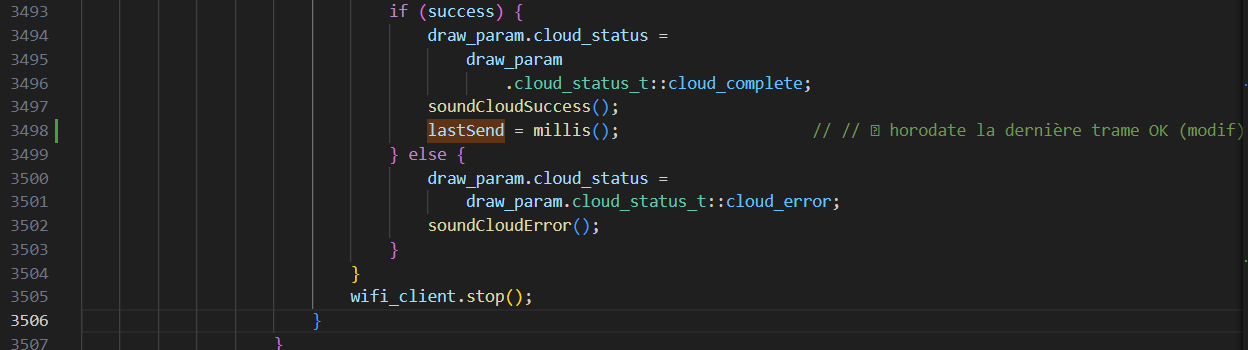
Since I still have interruptions in the json push, it might not be because the Wifi goes to sleep, but because for some reason (busy socket, frames collision, queue overflows, memory leak / heap fragmentation,...), the json is no longer posted... I added a soft reset of the ESP in the main loop whenever a delay from the last successfull of the POST is exceeded...

-
The soft reset seems to do the job (12 hours of measurements uninterrupted)
Hello! It looks like you're interested in this conversation, but you don't have an account yet.
Getting fed up of having to scroll through the same posts each visit? When you register for an account, you'll always come back to exactly where you were before, and choose to be notified of new replies (either via email, or push notification). You'll also be able to save bookmarks and upvote posts to show your appreciation to other community members.
With your input, this post could be even better 💗
Register Login