M5 Core2 and unit UHF-RFID are bugged in UIFlow (bytes index out of range)
-
The default testing code does not work, something seem to be wrong in "units/_uhf_rfid.py"
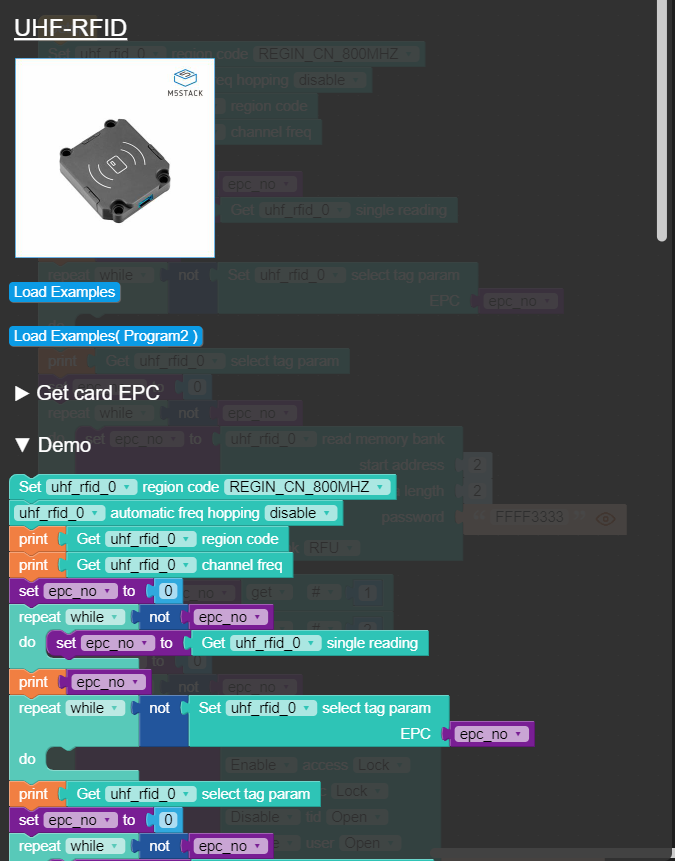
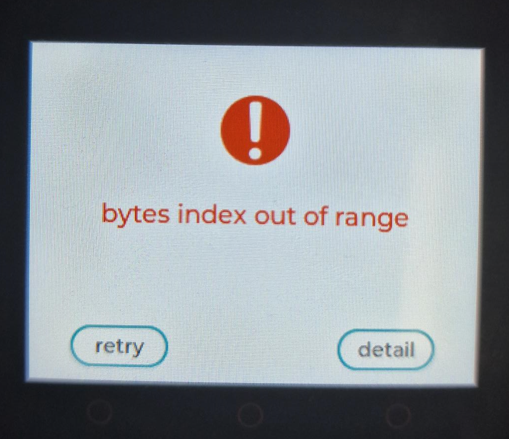
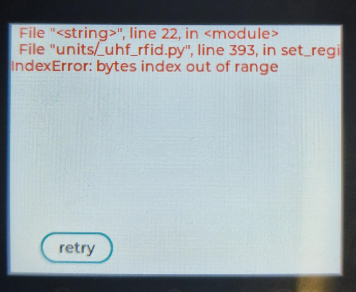
Changing the region does not help.
Removing the region just moves the error tot the automatiq freq hopping step.Can someone help me figure out how I can find and edit the units/_uhf_rfid.py on the Core2?
Thanks in advance
-
I'm using the same Unit with M5Paper and its working very well. I did get a similar error when I was first starting my project.
I did eventually get it working with the following set up.
uhf_rfid_0.set_region(uhf_rfid_0.REGIN_US)
uhf_rfid_0.automatic_freq_hopping(0xFF)
uhf_rfid_0.set_channel_freq(924.25)
epc_bool = 0
uhf_rfid_0.set_select_mode(0x01)and then start waiting for tags with
def reader():
temp = None
count = None
clean = None
while True:
count += 1# while not temp: temp = uhf_rfid_0.single_polling() if temp: # label10.setText(str(temp)) print("-----") print(temp[0]) print(temp[1]) print("-----")this is on a separate thread and works quite well for my requirements.
The other issue I had and not sure if it was because I did not read correctly however. it works with the following tags (UHF RFID Tag ISO18000-6C)
Not sure if it helps, but I hope it offers some info thats of use.
reagrds
Kyle
-
Hello everyone,
I have the same problem, I have Core2 and Aton Lite and it doesn't work on any.
The labels are not, since I have the SDK for JRD 4035 and I see them all. The EPC comes out complete with all its characters.With IIFLOW I have only managed to read from the EPC 6 characters.
In Arduino I have not been able to make the EPC read.I have worn € 300 and it is very disappointing.
Sorry for my bad English
Cheers
-
@kylebuttress Would you be willing to share the full code, I applied the initialization, but I remain having the same error.
-
@tinkerer I'll extract out what I do for the reading and send it though I will test on my core unit as well
I'm off line tomorrow so give me a day to get back to you ok.
-
I made a quick reader nothing special and this is on a Basic Core unit
quick video showing it working
https://youtu.be/qvtr6Vy-HwYThe Tags I use are these ones
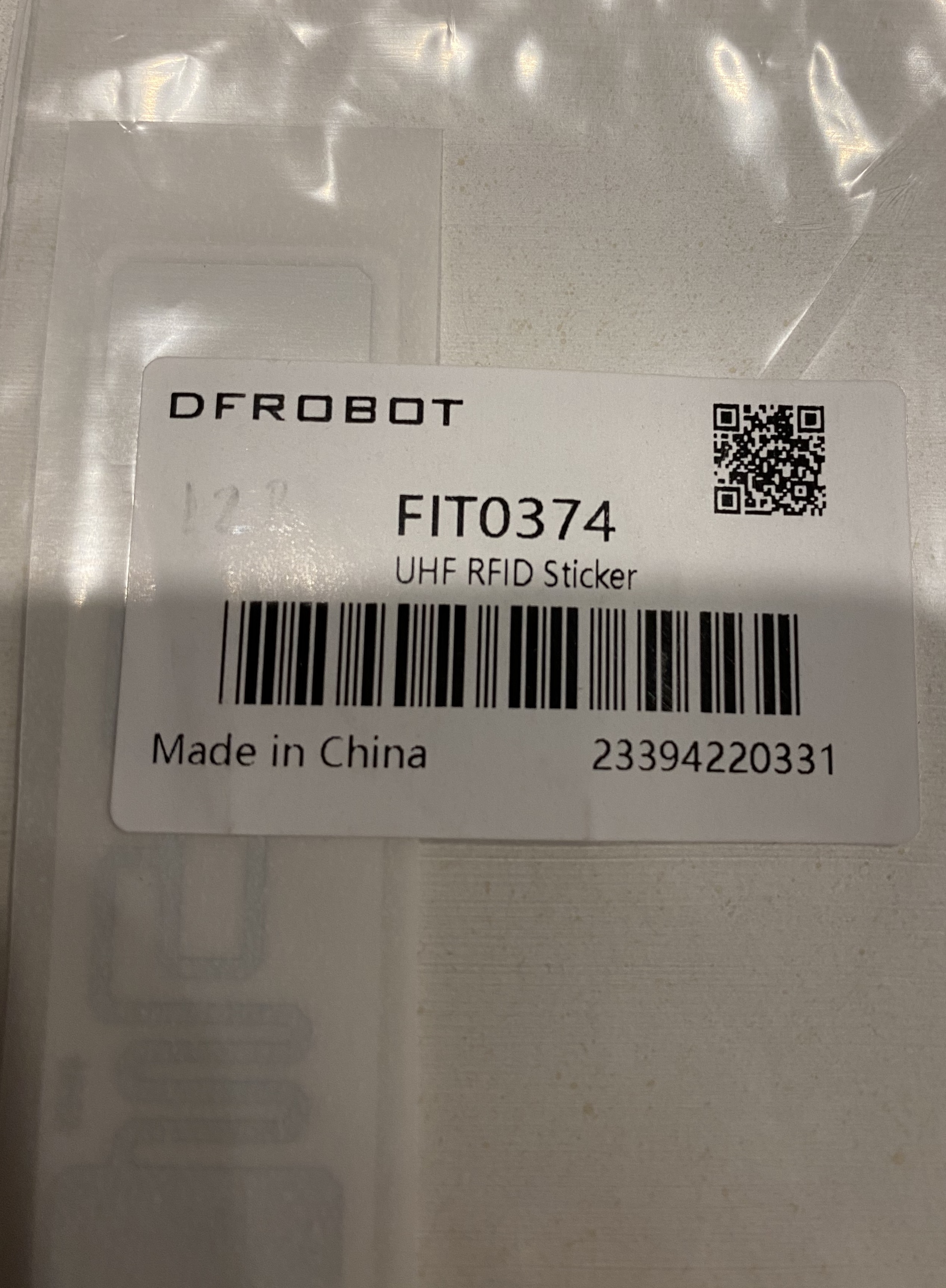
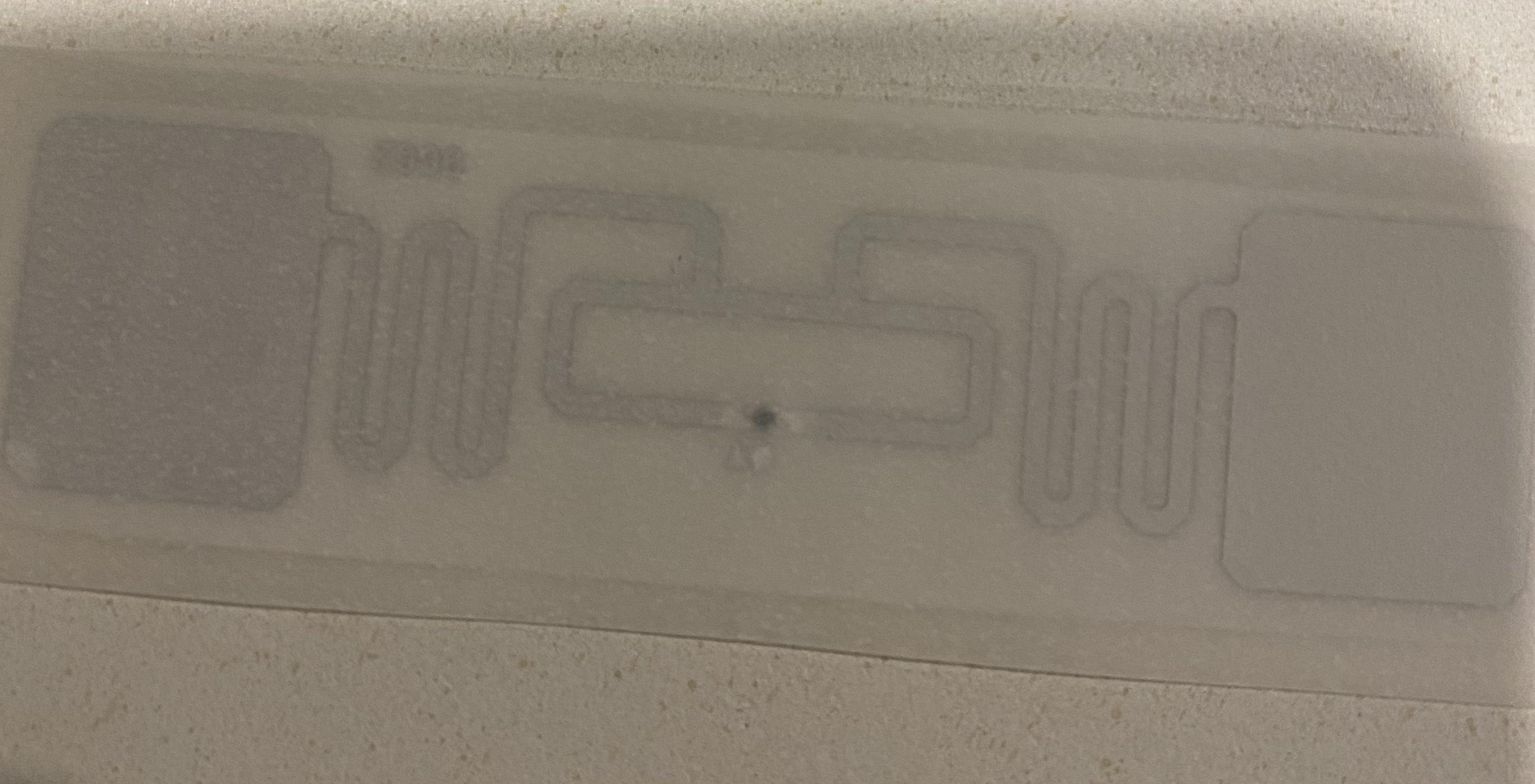
make sure the port is correct otherwise the bytes out of range error pops up
from m5stack import *
from m5ui import *
from uiflow import *
import unit


setScreenColor(0x222222)
uhf_rfid_0 = unit.get(unit.UHF_RFID, unit.PORTA)

uhf_rfid_0.set_region(uhf_rfid_0.REGIN_US)
uhf_rfid_0.automatic_freq_hopping(0xFF)
uhf_rfid_0.set_channel_freq(924.25)
epc_bool = 0
uhf_rfid_0.set_select_mode(0x01)


label0 = M5TextBox(128, 59, "Tag #", lcd.FONT_Default, 0xFFFFFF, rotate=0)
label1 = M5TextBox(22, 106, "waiting ... ", lcd.FONT_Default, 0xFFFFFF, rotate=0)


while True:
        # while not temp:
        temp = uhf_rfid_0.single_polling()

        if temp:
            # label10.setText(str(temp))
            print("-----")
            print(temp[0])
            print(temp[1])
            print("-----")
            label1.setText(temp[0])
        wait(.5)

Hello! It looks like you're interested in this conversation, but you don't have an account yet.
Getting fed up of having to scroll through the same posts each visit? When you register for an account, you'll always come back to exactly where you were before, and choose to be notified of new replies (either via email, or push notification). You'll also be able to save bookmarks and upvote posts to show your appreciation to other community members.
With your input, this post could be even better 💗
Register Login