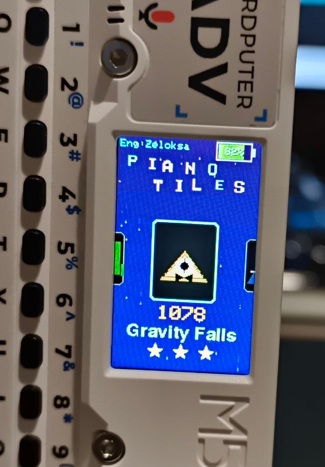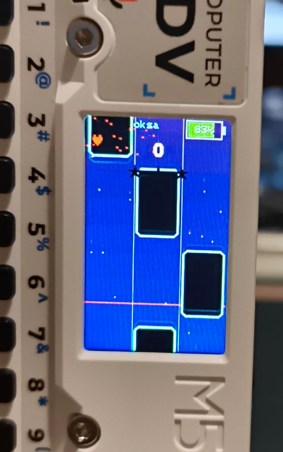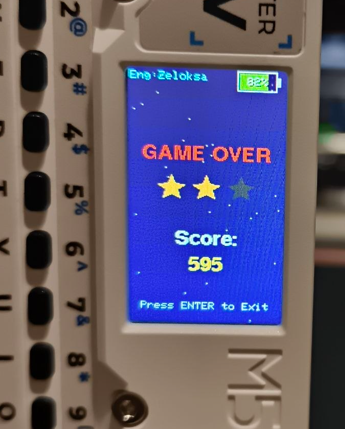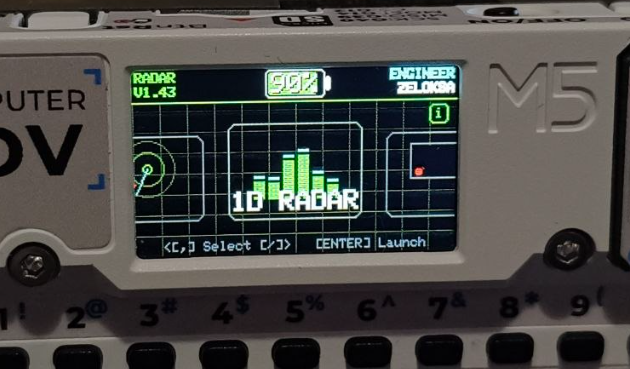
HUGE UPDATE: Piano Tiles ADV V2.0 is LIVE! 🚀🎹
Hello everyone!
Thank you so much for the support on the first version. Today, I'm extremely excited to announce the release of Piano Tiles ADV V2.0 - the biggest expansion to the game yet!
This isn't just a minor update; the game has been completely overhauled to bring a much deeper, more immersive rhythm game experience to the Cardputer.
🔥 What's New in V2.0:
- Massive Library Expansion: We went from 12 tracks to 54 full-length tracks!
- 5 Themed Music Packs: Play through Classics, Anime Hits, Gaming Legends, Movie Epics, and Rock Legends.
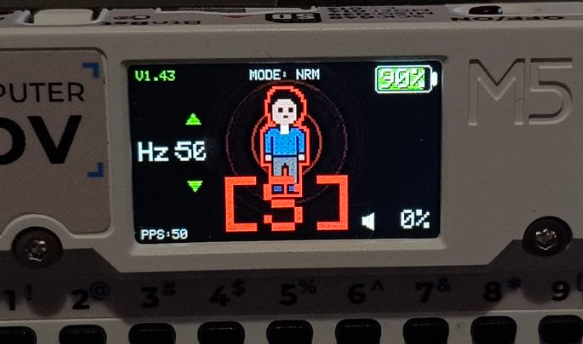
- Immersive Visuals: 5 custom animated backgrounds (Retro Grid, Falling Sakura, Digital Matrix, etc.) and completely handcrafted, ultra-detailed 8-bit icons for every single track.
- New Progression System: A dynamic emoji face now visually tracks your overall pack completion rate in real-time, alongside your High Scores and Star ratings.
- Audio Tuning: Background music and track frequencies have been carefully adjusted to get the absolute best, punchy sound out of the Cardputer's piezo speaker.
📥 How to get the update:
You can grab the V2.0 update right now via M5Burner (Search for "Zeloksa" or "Piano Tiles ADV").
Alternatively, you can download the .bin file directly from the GitHub Releases page:
👉 https://github.com/Zeloksa/Piano-Tiles-ADV/releases
As always, I'd love to hear your feedback and see those new high scores! Have fun! 🎵